Accessible by default
Semantic markup, keyboard-reachable structure and colour contrast checked against WCAG guidance.
IT services · Software engineering
BAK AUTOS LTD designs, builds and maintains software systems for organisations that depend on their tooling every working day. We work across custom applications, cloud infrastructure, integrations and process automation — with documentation and testing treated as part of the product, not an afterthought.

01 — Who we are
BAK AUTOS LTD is an information technology company. Our work is software: planning it, writing it, testing it, deploying it and keeping it healthy once people rely on it. We take on projects where the software has to fit an existing business rather than the other way round.
Engagements typically begin with a discovery conversation about the work a team is actually doing today — the spreadsheets, the manual handovers, the systems that do not talk to each other. From there we scope something buildable, agree what success looks like, and deliver in reviewable increments so the direction can be corrected early.
We describe what we can do and how we do it. We do not publish outcome guarantees, because the result of any software project depends on decisions and constraints shared between the client and the delivery team.
02 — Capabilities
Six practice areas that are usually combined rather than bought separately. A single engagement often touches development, infrastructure and integration at once.
Applications shaped around a documented business process instead of a generic feature list.
Responsive browser-based tools for internal teams, partners or customers.
Environment design, deployment pipelines, monitoring and routine maintenance.
Removing repetitive manual steps and connecting the stages of a workflow.
Moving data reliably between applications, platforms and databases.
Test strategy, automated coverage and release checks built into delivery.
03 — Custom software
Off-the-shelf products solve common problems well. The difficulty starts where a business does something specific — an unusual pricing rule, a regulated approval chain, a legacy data format nobody else uses.

04 — Web applications
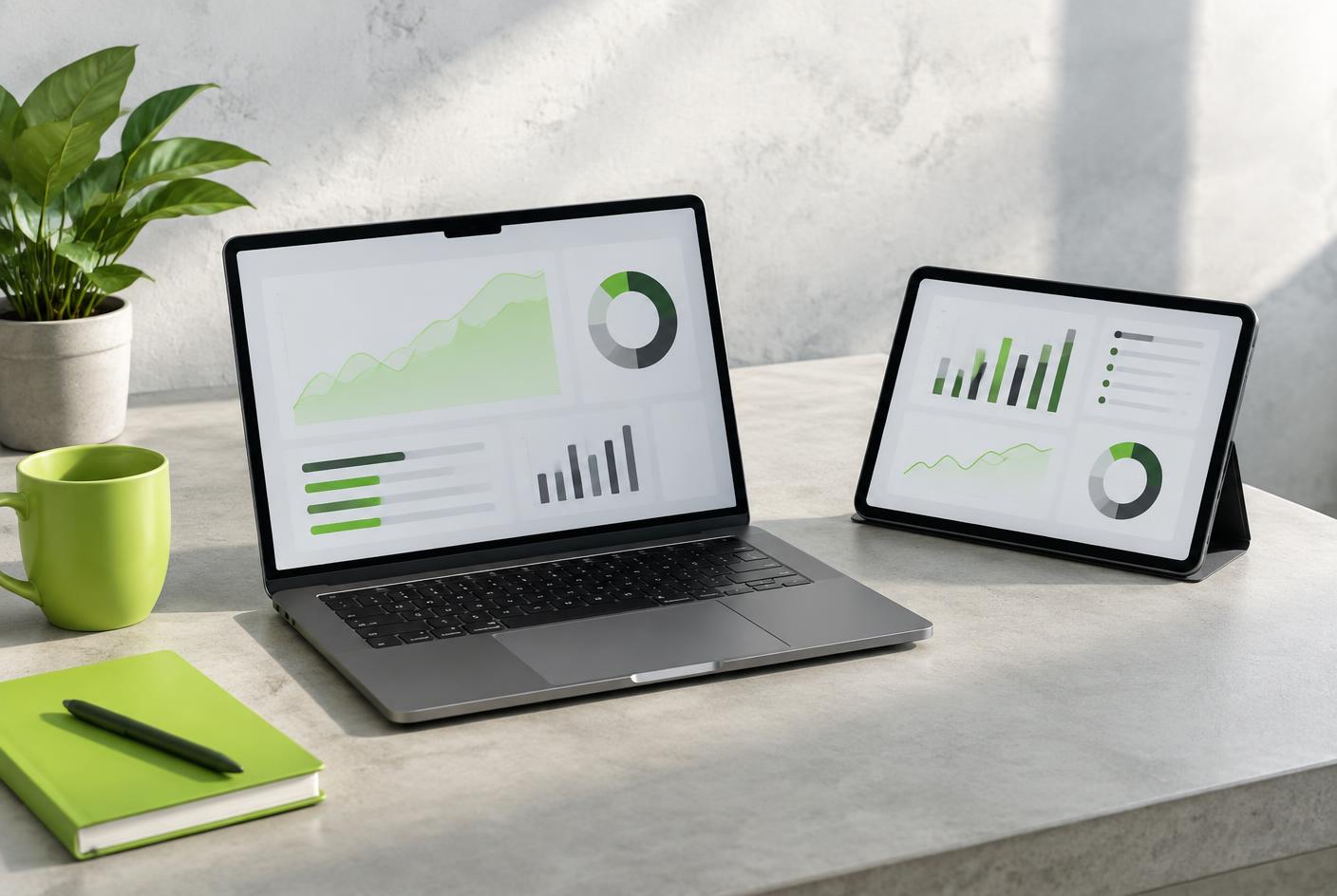
Internal portals, admin consoles, booking and ordering tools, reporting dashboards. The shared requirement is that they stay fast and legible on a laptop, a tablet and a phone, and remain usable after hours of continuous work.
Semantic markup, keyboard-reachable structure and colour contrast checked against WCAG guidance.
Payload size, rendering strategy and caching decided from real page measurements.
05 — Cloud and infrastructure
Infrastructure work covers the space between a finished build and a system that runs reliably: how environments are provisioned, how releases reach production, what is monitored, and what happens when something fails at an inconvenient hour.
Separated development, staging and production setups.
Repeatable, scripted releases with rollback paths.
Logging, metrics and alerting on the signals that matter.
Patching, dependency updates and capacity review.

06 — Automation
Repetitive work is usually visible in the gaps between systems: exporting a file, reformatting it, emailing it onward, then chasing whether it arrived.
Scheduled transfers, validation and structured error handling.
Status tracking with a readable history of who did what, and when.
Recurring reports and synchronisations that run without a person present.
Targeted alerts when something needs attention, not constant noise.
07 — Integration
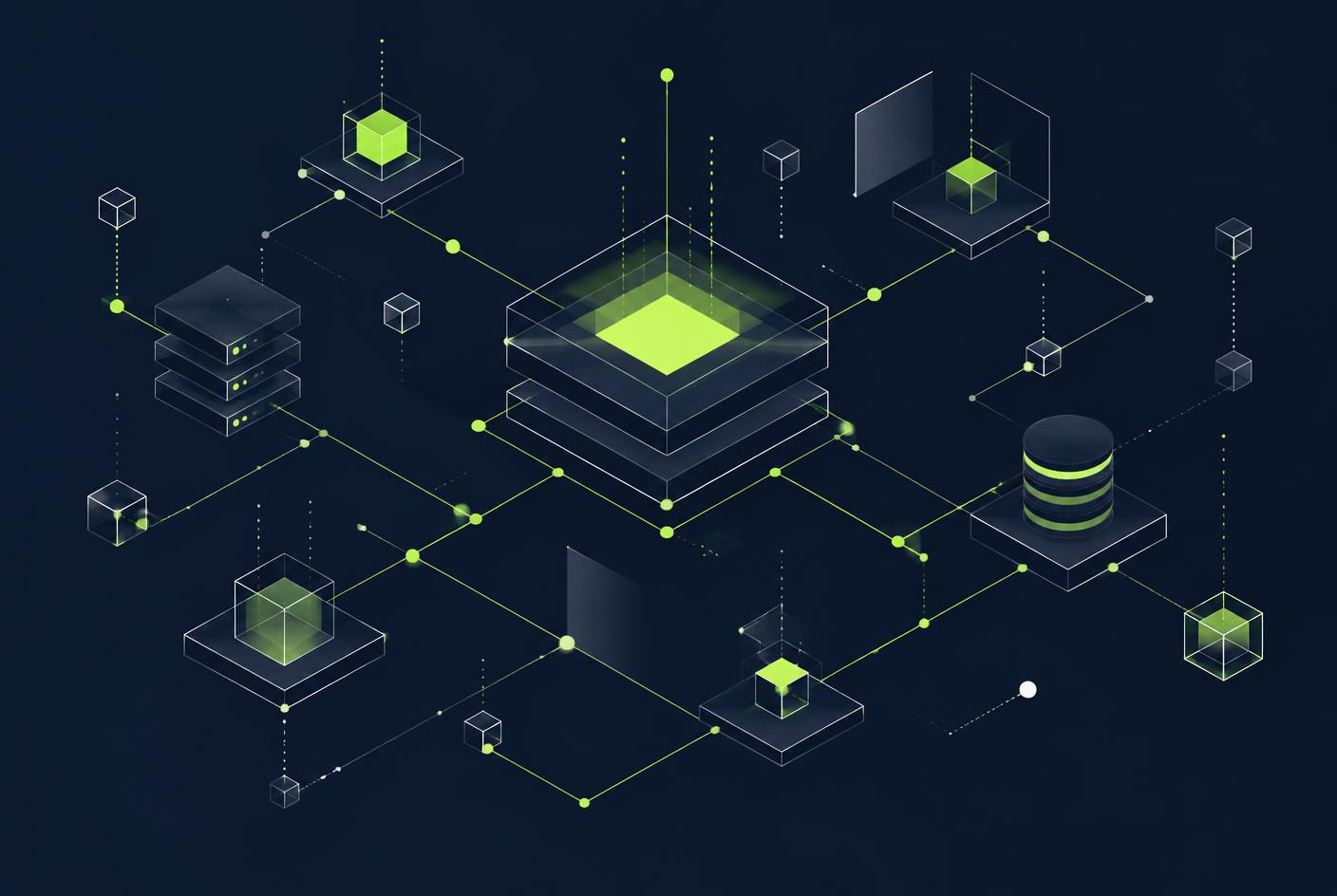
Most organisations run several tools that each hold part of the truth. Integration work decides which system owns which field, how often data moves, and what happens when two sources disagree.
08 — Quality assurance
Quality work is structured rather than improvised. Automated checks cover the logic that must not regress; exploratory testing looks for the problems a test suite was never written to find.
Isolated logic, run on every change.
System boundaries and data contracts.
The journeys users actually complete.
09 — Security and reliability
Security is handled as a set of everyday habits rather than a final review stage. These are practices we apply; they reduce risk and do not amount to a guarantee of compliance or invulnerability.
Role-based permissions, least privilege, and credentials kept out of source code.
Encryption in transit, considered retention, and minimal collection.
Tracked versions and regular review of published vulnerabilities.
Backups that are tested, and a written path back from failure.
10 — Delivery
Understand the process, constraints and the problem worth solving.
Scope, sequence and the definition of a finished increment.
Data model, architecture and interface structure.
Reviewed code delivered in working slices.
Automated coverage plus exploratory and acceptance checks.
Monitoring, fixes and planned improvement after release.
11 — Illustrative scenarios
The following are illustrative examples written to show how our services apply to common business situations. They are not descriptions of client projects and contain no client data or results.
A distributor receives orders by email in inconsistent formats. An intake application could parse submissions, validate them against the product catalogue, flag exceptions for a human, and post confirmed orders to the existing ERP.
Illustrative example
A services team files paper reports that are re-typed at head office. A responsive web application could capture the same information on a phone, work offline briefly, and synchronise records once a connection returns.
Illustrative example
Finance assembles a weekly report by hand from three systems. A scheduled integration could collect the same figures, reconcile identifiers, and publish a single dataset with a visible record of each run.
Illustrative example
12 — Collaboration
A predictable rhythm of updates in plain language, including the parts that are behind or uncertain.
Scope changes, trade-offs and technical debt are raised when they appear, not at handover.
Architecture notes, deployment steps and decision records written as the work happens.
Code, infrastructure definitions and credentials belong to the client throughout.
13 — FAQ
14 — Contact information
Details are published as plain text. Enquiries about software development, cloud work, integration or automation can be sent to the email address above.